Policies
Set it once. Protect forever.
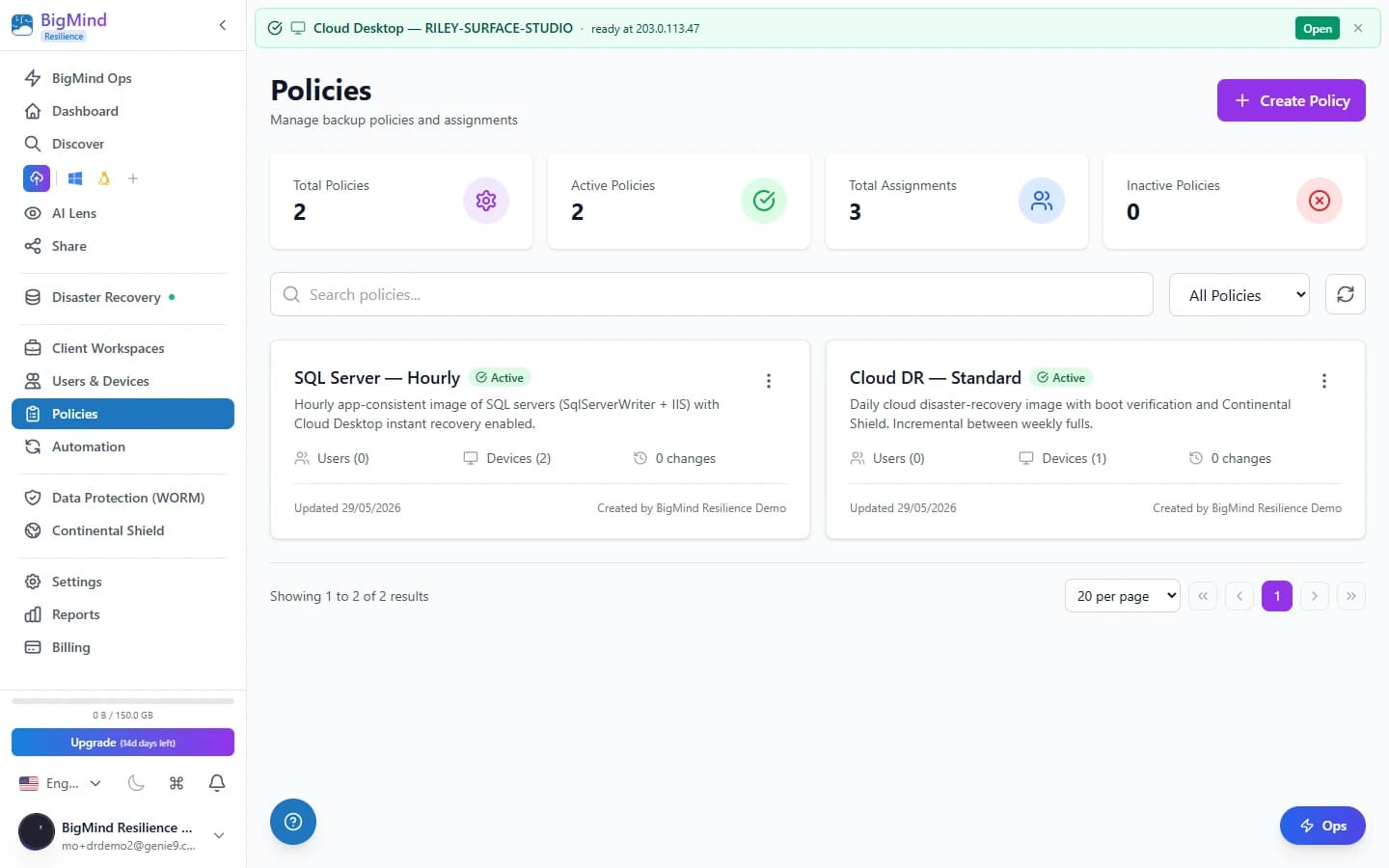
Powerful backup policies with flexible scheduling, retention rules, and smart file filters. Apply them to users, devices, or workspaces — then let the platform handle the rest. Unlimited policies on every paid tier.
Choose what to protect.
Start from a role-based profile that selects the right folders, then fine-tune with Smart Folders, cloud sources, and custom paths. Assign each folder its own storage tier — Documents on Hot, Videos on Deep Freeze — to optimize cost right where the data lives.
- 7 profile templates auto-configure folders for each user type.
- Smart Folders resolve to the correct path on every machine.
- Add a layer over Google Drive, Dropbox, OneDrive, iCloud Drive, and Box.
- Per-folder Hot / Cold / Deep Freeze tier selection at the policy level.
 Click to enlarge
Step 1 · What you can back up
From one machine to a NAS — every source in one policy.
The wizard makes the right defaults visible and lets advanced admins override anything.
7 Profile Templates
Developer, Designer, Business, Gamer, Creator, Home User, or Custom — each auto-configures the right folders for that user type.
Smart Folders
Desktop, Documents, Downloads, Pictures, Music, Videos, and AppData auto-resolve to the correct path on every machine.
Cloud-Synced Folders
Add a second layer over Google Drive, Dropbox, OneDrive, iCloud Drive, and Box folders.
Network Drives & Custom Paths
Back up NAS devices via UNC paths, plus any specific folder on any drive.
Skip the junk. Back up what matters.
node_modules, temp files, system junk, and IDE caches should never be backed up. Eight preset exclusion groups handle the obvious cases with one toggle; custom patterns handle the rest.
- Presets: Build Folders, Temporary Files, System Files, IDE Caches, Media Cache, Version Control, Log Files, Game Installations.
- Custom glob wildcards and regex patterns for complex rules.
- Cross-platform path variables like {UserProfile} — no rewrites per OS.
- Exclude entire folders or specific file types to keep storage lean.
 Click to enlarge
From every 15 minutes to once daily — your call.
Pick the frequency that matches your risk tolerance. An optional time window restricts backups to specific hours and days, so they never slow your team down during office hours.
- Frequencies: 15 min, 30 min, 1 hour, 2 hours, 4 hours, 8 hours, 12 hours, Daily.
- Optional time window — e.g. 6 PM to 6 AM, overnight only.
- Restrict to specific days of the week.
- Zero impact on productivity while the team is working.
 Click to enlarge
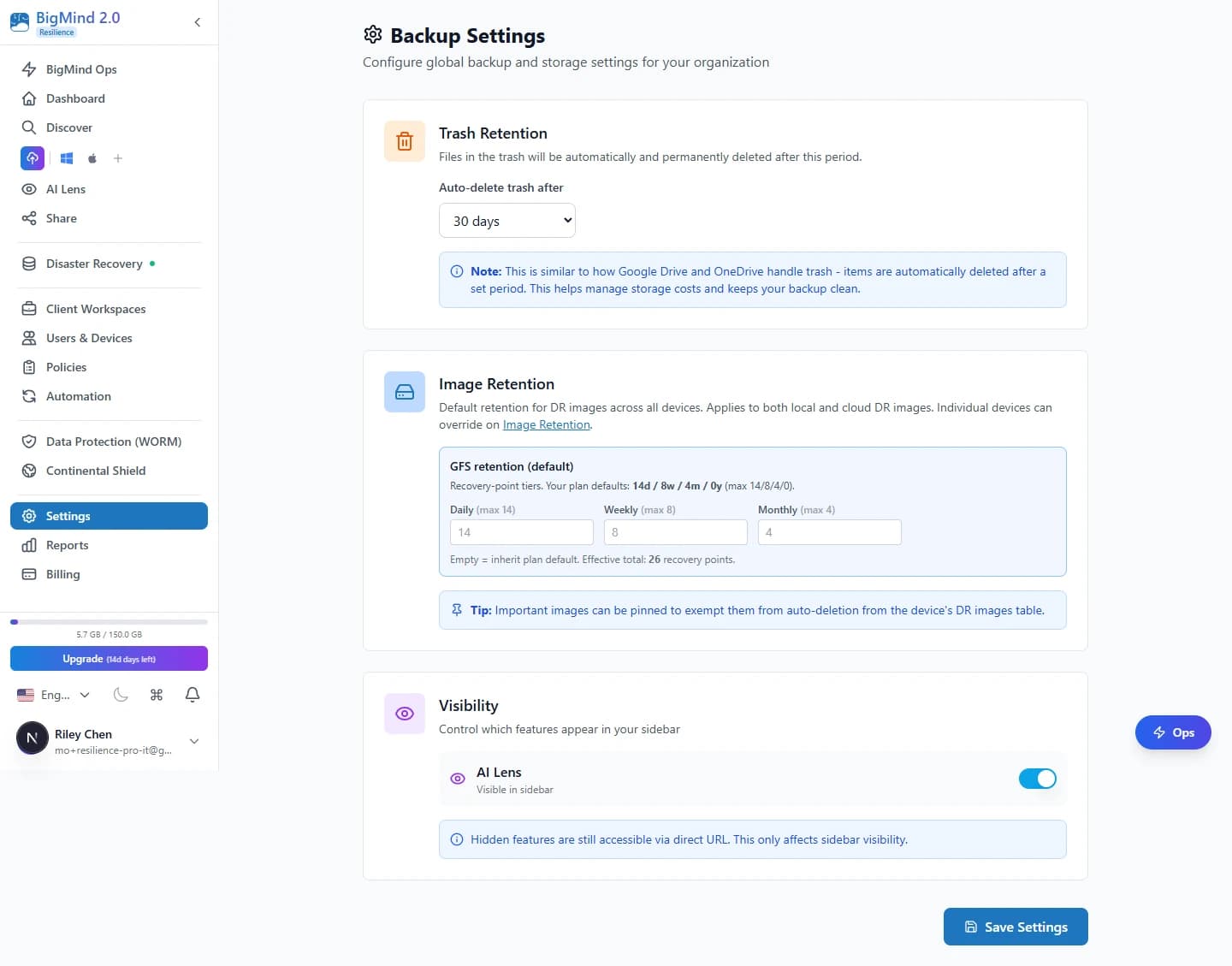
Step 4 · Settings
Fine-tune every detail in one place.
Six advanced setting groups cover analysis, hooks, network, performance, permissions, and agent behavior — sensible defaults out of the box, full control when you need it.
AI Lens Photo Analysis
Toggle face recognition, image labels, and OCR per policy. Feeds AI Lens so photos become searchable and organized.
Pre & Post-Backup Commands
Run scripts before or after a backup — stop databases, flush caches, or trigger notifications.
Network Controls
Allow or block backups on LAN, WiFi, or 3G/4G/5G. Never burn through cellular data.
Performance Tuning
Control parallel uploads, set MB/s bandwidth limits, and configure throttle schedules.
Agent Permissions
Decide whether users can pause or exit the agent — and block uninstall outright.
General Settings
Auto-start on boot, battery mode, presentation mode, app-consistent VSS for locked files, and hidden-file inclusion.
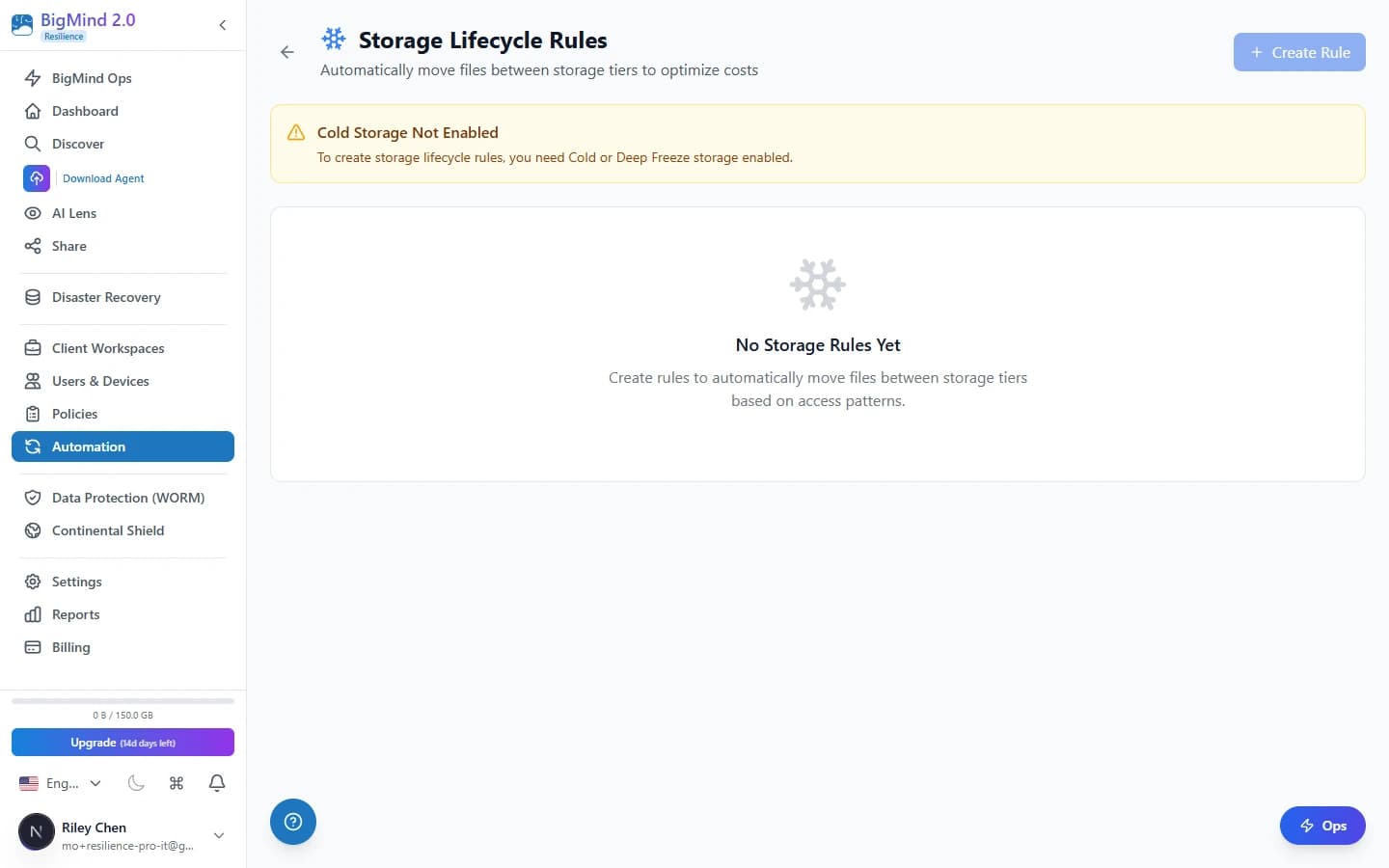
Compliance-grade retention without manual pruning.
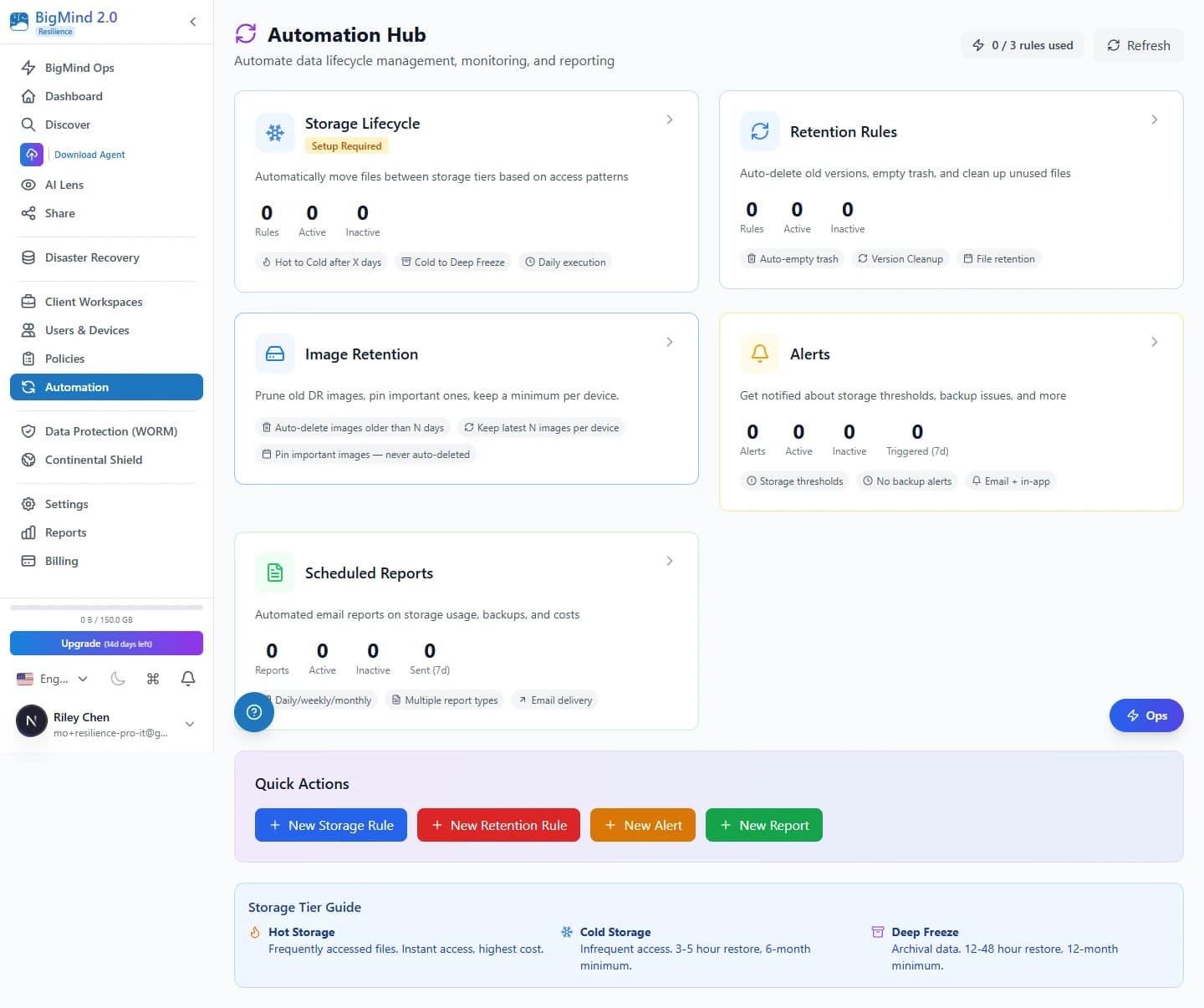
Every policy carries a 4-track GFS retention schedule — daily, weekly, monthly, and yearly slots that fill automatically. Old versions are removed by the Automation Hub according to count and age rules, and Pin rules protect specific assets so cleanup never touches them.
- Daily / weekly / monthly / yearly tracks auditors expect.
- Slots fill automatically as older restore points age out.
- Cleanup runs by version count, version age, or both.
- Pin rules exempt critical assets from cleanup entirely.
 Click to enlarge
Retention tracks
Four tracks, one schedule.
Daily
Rolling daily restore points for the most recent window of change.
Weekly
Weekly slots that fill automatically as dailies age out.
Monthly
Monthly checkpoints for medium-term recovery and audits.
Yearly
Long-horizon yearly slots for multi-year compliance retention.
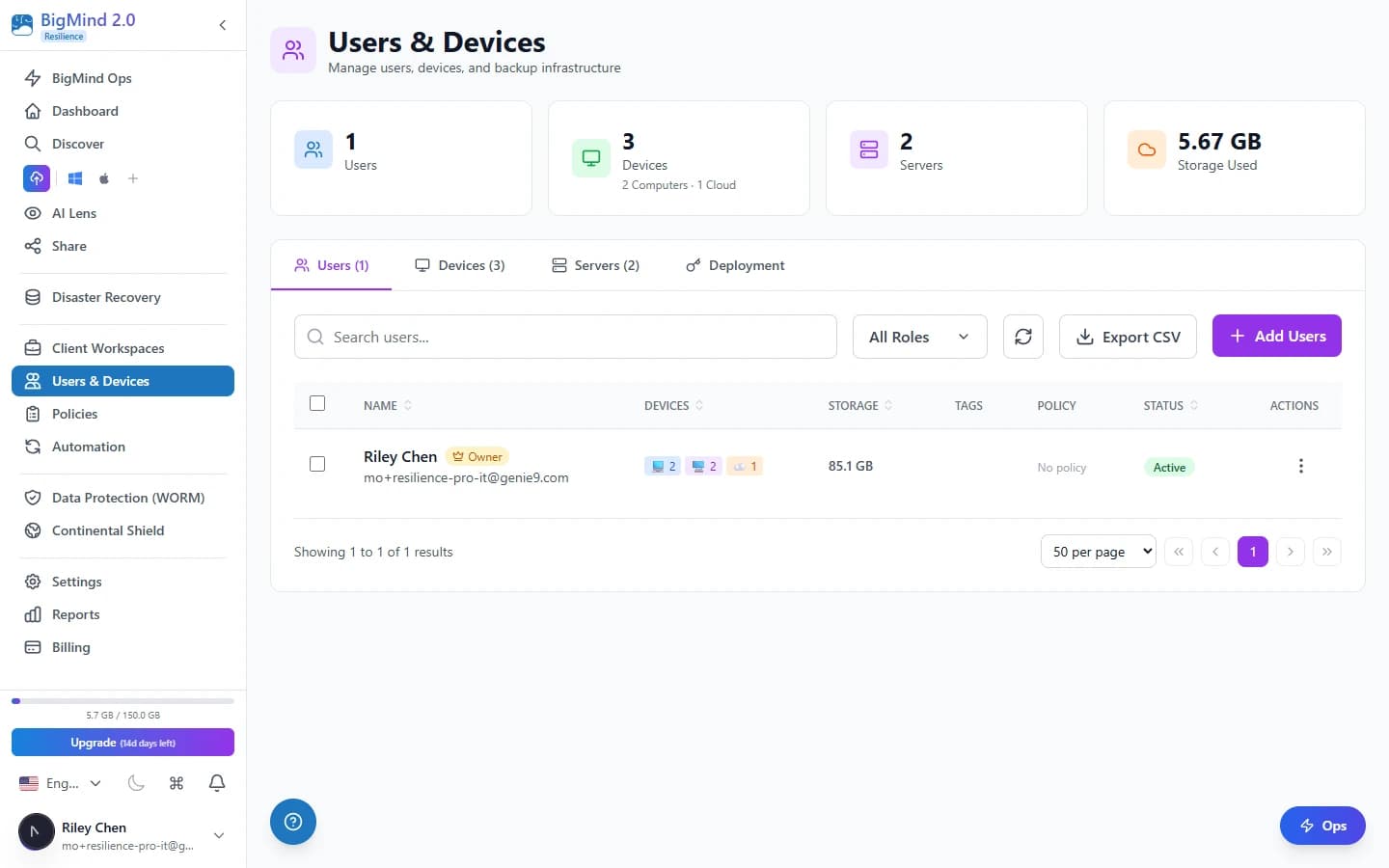
Defaults cascade. Overrides are surgical.
An org-wide default policy applies to every device unless overridden. Device groups, workspaces, and individual devices can each override at their level — and the dashboard shows which policy is in effect on every device, so there's no mystery about why a backup ran the way it did.
- Org-wide default policy as the baseline.
- Device-group overrides for teams that need different rules.
- Workspace overrides for project- or department-level control.
- Per-device overrides for the rare exception.
 Click to enlarge
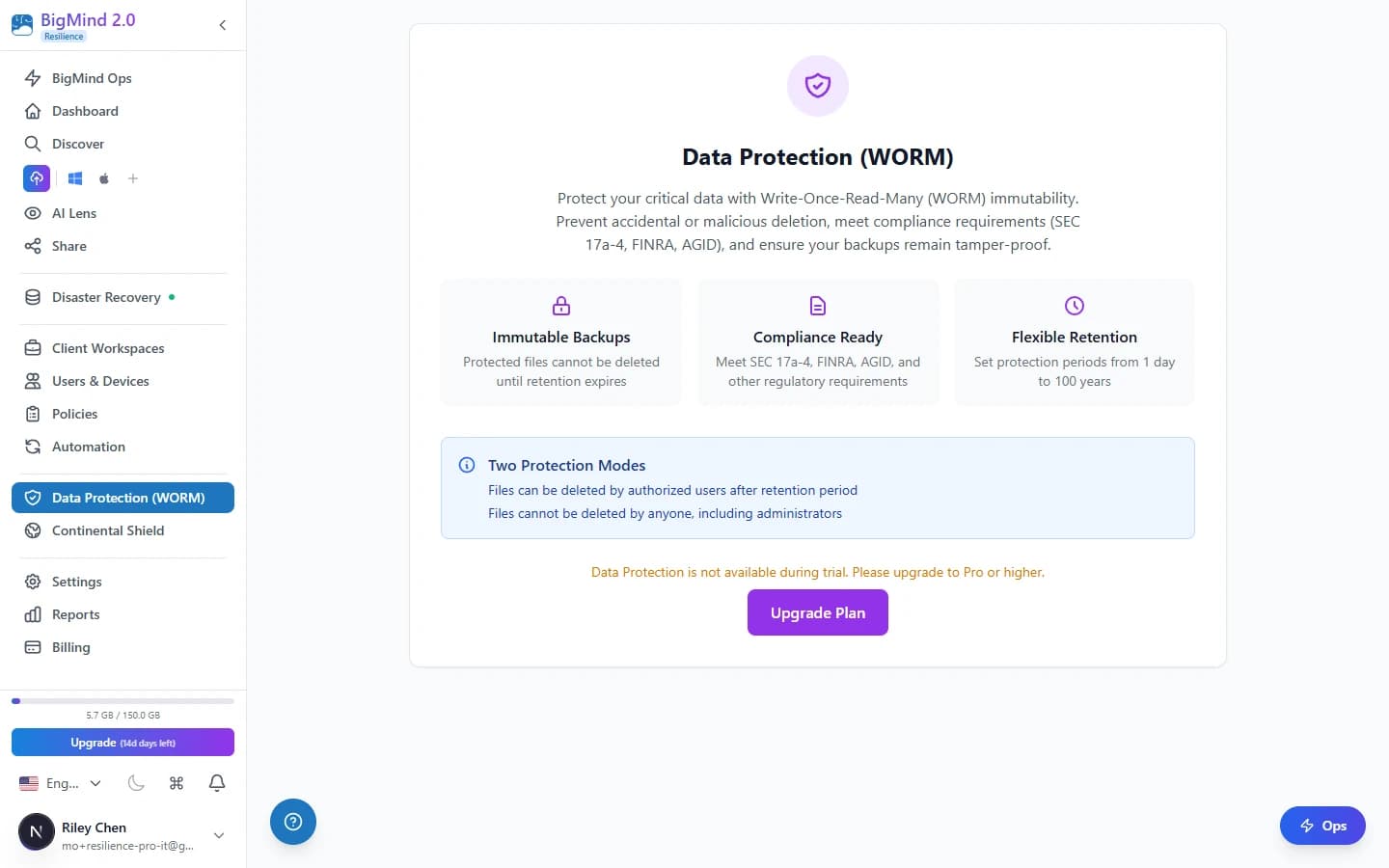
AES-256, zero-knowledge optional, WORM-immutable on Pro.
Every policy carries an encryption mode — standard, zero-knowledge, or hybrid. Pro and Enterprise tiers add WORM lock: once written, files cannot be modified or deleted within the locked retention period, satisfying SEC 17a-4, FINRA, and HIPAA-aligned audit requirements.
- AES-256 encryption on every policy.
- Zero-knowledge mode keeps the keys with you.
- WORM-immutable, audit-ready retention on Pro and Enterprise.
- Aligned with SEC 17a-4, FINRA, and HIPAA audit requirements.
 Click to enlarge
How it fits
Policies wire into the rest of the platform.
Storage Tiering
The per-folder Hot / Cold / Deep Freeze picker that policies set at the source.
Learn moreAutomation Hub
Retention cleanup and lifecycle rules that enforce what each policy keeps.
Learn moreWORM-Immutable Retention
On Pro and Enterprise, lock retained versions so they cannot be modified or deleted.
Learn moreReady to automate your backups?
Backup policies are included on every paid Resilience tier — unlimited policies, no per-policy fee. No credit card required, cancel anytime, free migration assistance.