Personal backup · Phone & computer
Your phone holds your whole life. Keep a copy.
BigMind Home backs up the photos, videos, messages and call history on your phone, then your Windows, Mac or Linux computer too. One app, everything safe, nothing to think about.
- Free plan covers one phone and one computer, with no card
- Frees up space on your phone once photos are safely stored
- Smart photo search that runs on your device, not our servers
Or sign up online — 5 GB free, no card.
The phone
Not just the camera roll.
Most backup apps stop at photos. BigMind Home also keeps the things people only miss once the handset is gone: the contacts, the message threads, the call history, the documents sitting in Downloads.
Photos
Every shot, at full resolution.
Videos
The long ones too.
Audio
Voice notes and recordings.
Contacts
Restore them, or export as vCard.
Messages
Whole SMS threads, not just the last one.
Call logs
Who called, and when.
Documents
Straight from your Downloads folder.
Any folder
Point it at WhatsApp, or anything else.
It just keeps up, quietly.
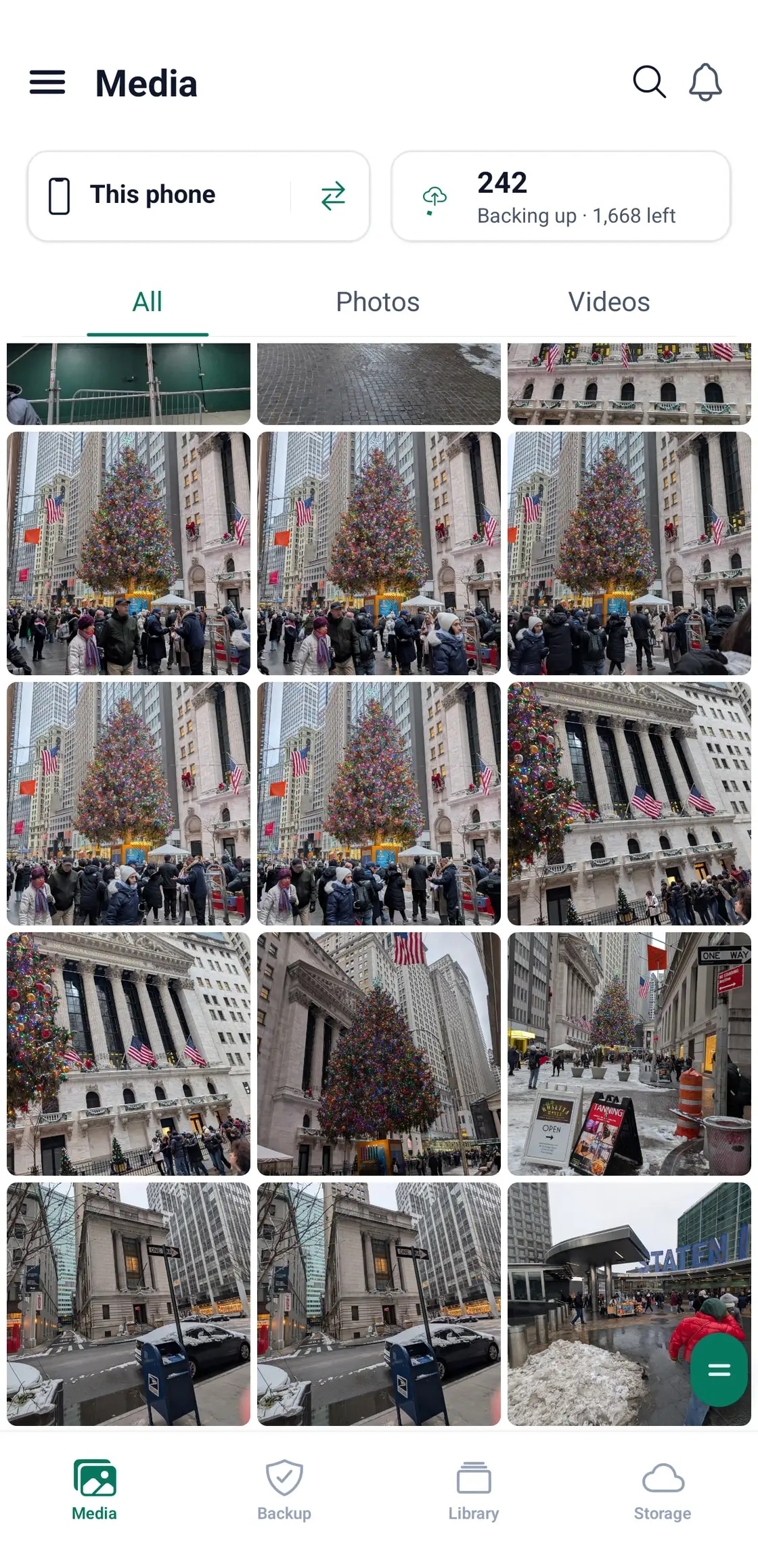
Open the app and you can see exactly where it is: what has gone up, what is still queued, and which device you are looking at. No dashboards to learn, no jobs to schedule by hand.
- A live count of what is backed up and what is left
- Switch between this phone and anything else on your plan
- Photos and videos together, newest first
And then it gives the space back.
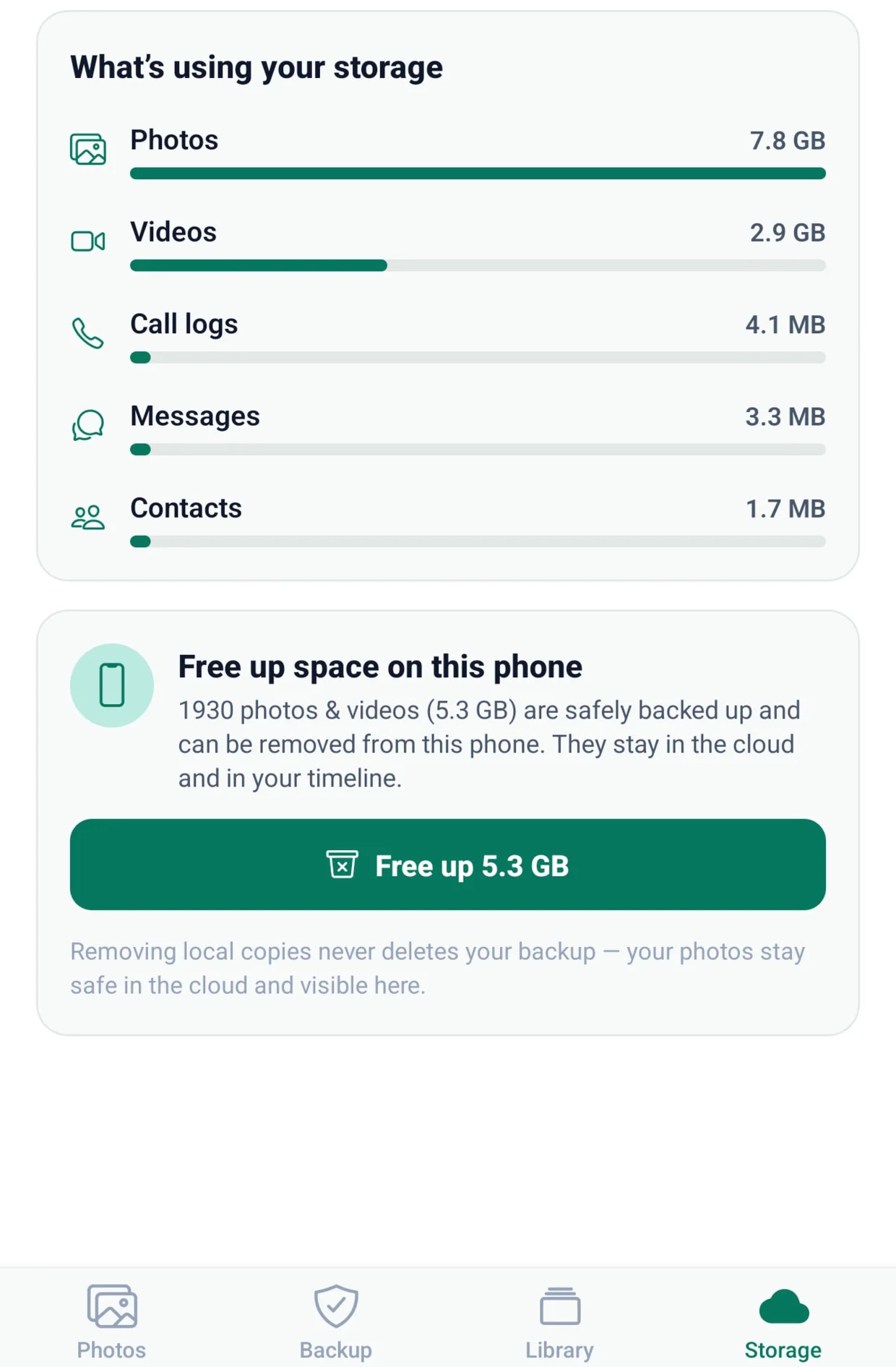
Once your photos and videos are safely in the cloud, the app offers to remove the local copies from the handset. They stay in your timeline and stay restorable. They just stop filling up your phone.
- One tap, and only files already confirmed safe are removed
- Everything stays visible and restorable in your timeline
- Nothing is ever deleted from your backup
Your laptop comes next.
Install the BigMind agent and the same account starts protecting your computer alongside your phone. Documents, folders, whole drives. One place to search, one place to restore from.
- Windows, macOS and Linux
- Included on every plan, even Free — not a trial, not a phone-only teaser
- The same search covers your phone and your computer together
One computer is included on every plan.
Including the free one. Most services make you pay before a computer counts as worth protecting.
Smart photos
The AI runs on your phone.
Not on our servers.
BigMind groups the faces it finds, tags what is in each picture, and reads the text inside screenshots and receipts so you can search for it later. All of that happens on your own device. Your photos are never sent anywhere to be analysed, and no one at Genie9 can look through them.
See what it finds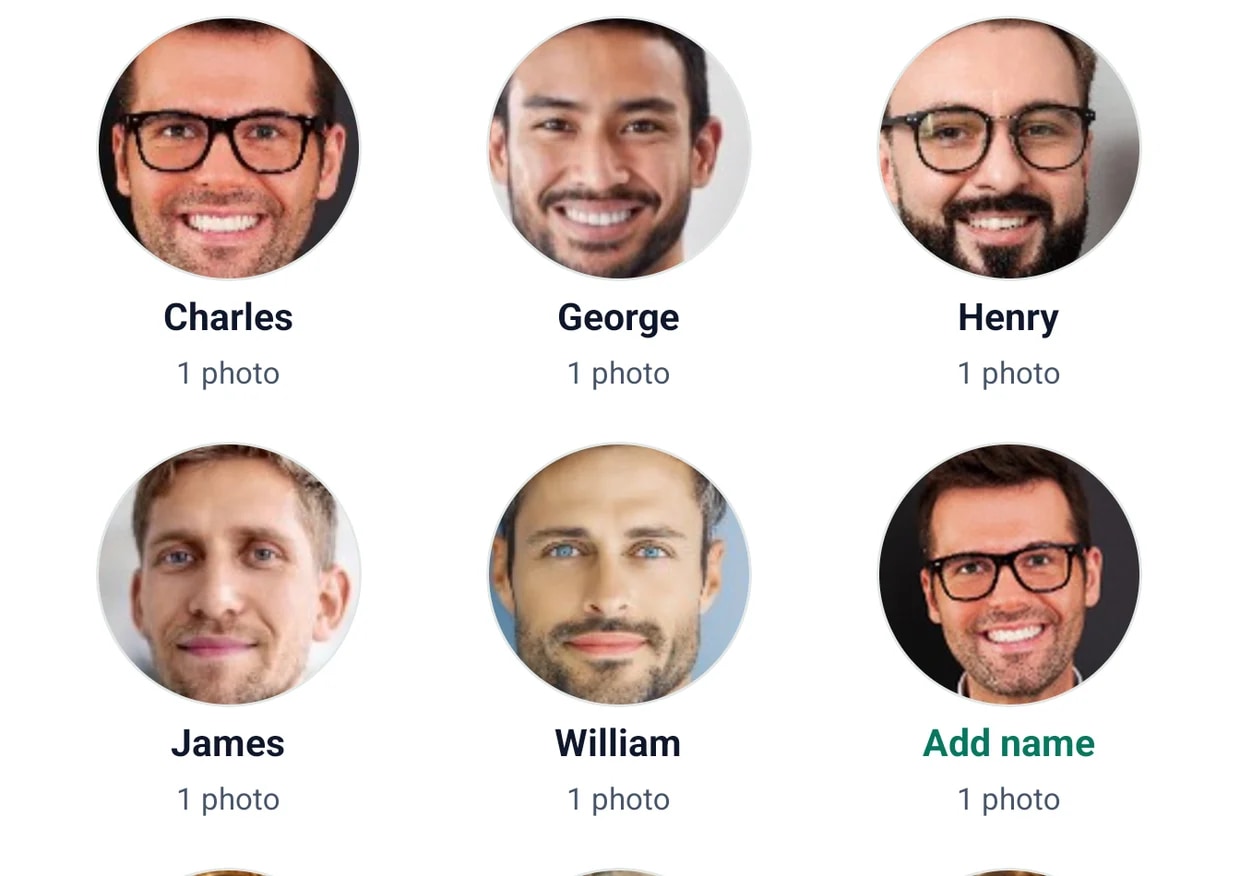
One plan, up to five people.
The 2 TB and 6 TB plans are shared across the household. Everyone gets their own devices and their own private space, and the storage comes out of one pool instead of five separate bills.
- Up to 5 people on one plan
- Each person gets 3 phones and a computer
- One shared pool of storage, not a split you have to manage
Shared across the household.
Storage is one pool for everyone, not a per-person allowance. Whoever has the most photos simply uses more of it.
Plans
Pick a size, not a product.
Every plan includes phone backup, computer backup and the smart photo features. The only things that change are how much room you get and how many people share it.
Every plan includes phone backup, computer backup and the smart photo features.
Start freeSet it up once. Forget about it.
Install the app, sign in, and let the first backup run overnight. That is the whole job.
Or sign up online — 5 GB free, no card.