Mobile — out now on iOS & Android
Enterprise backup. In your pocket.
Photos, videos, audio, documents, contacts, messages, call logs and any folder you choose — from every phone in the company, encrypted with AES-256 and visible in the same console as your desktops. AI Lens search and the full admin surface come with it.
Or start a business trial — 14 days, no card.
Three pillars
Protect, discover, administer — from one app.
Mobile isn't a stripped-down companion. It's the full Resilience surface, optimized for touch.
Protect
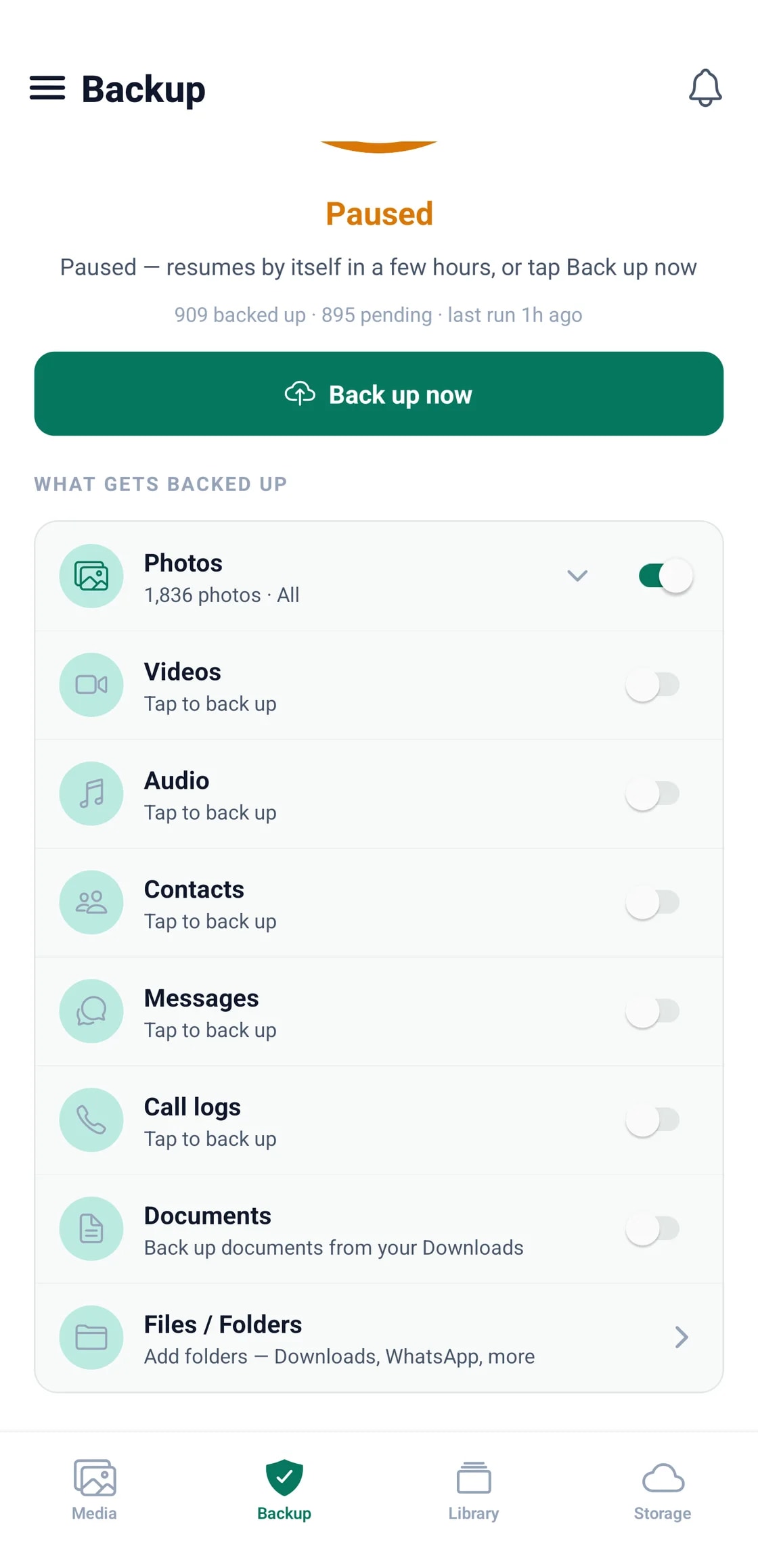
Eight kinds of data, each switchable on its own and all encrypted with AES-256: photos and videos from the camera roll, audio, documents from Downloads, contacts, SMS threads, call logs, and any folder you point it at.
Discover
Search the whole backup from the handset: people, categories, and the text inside screenshots and scans. Stream photos and video without restoring first, browse per device, and share securely.
Administer
A full admin console on the go — manage your entire BigMind Resilience account from your phone: user management, remote data restoration, backup policy creation, activity tracking, and permission changes.
Backup that doesn't kill the battery or the cellular plan.
Mobile backup is configured for real-world device behavior — it protects your data without getting in your way.
- Wi-Fi-only upload by default to save cellular data — toggle to allow LAN / Wi-Fi / 3G/4G/5G per policy.
- Battery-aware: pauses on low battery and resumes when charging.
- Storage-tier aware: uploads land in Hot first, then auto-tier later via Automation Hub lifecycle rules.
AI Lens runs on the mobile app too.
The same AI Lens index that powers the web dashboard powers the app — and the analysis itself happens on the device, so images are not shipped off to be read. Find a face from your phone and share it to anyone with the right permissions.
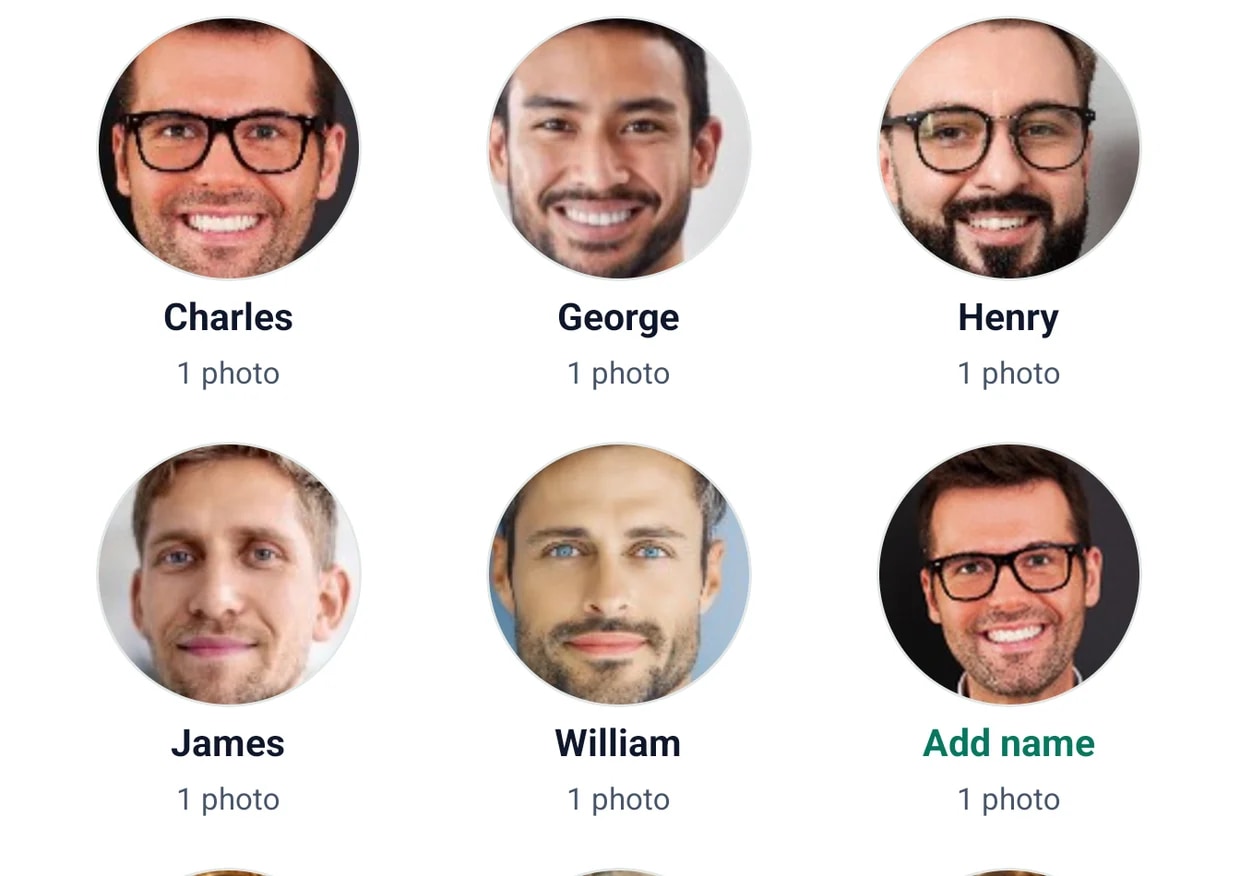
- Faces — find every photo of a person, right from your phone.
- Labels — surface images by what they contain, no manual tagging.
- OCR — search the text inside scanned documents and screenshots.
Mobile security
Same security as desktop. No compromise on the small screen.
The same standards that protect your desktop backups, now on every mobile device.
AES-256 Encryption
Military-grade encryption at rest and in transit — the same standard that protects your desktop backups.
Real-Time Sync
Continuous sync keeps mobile data always protected, so the latest version is captured as it changes.
Policy Compliance
Mobile devices follow the same backup policies as desktops — no separate rulebook to maintain.
Full Visibility
Admins see all mobile device activity from the web console, alongside every other endpoint.
On-device AI
Face grouping, categories and text recognition run on the handset itself. Staff photos are not uploaded somewhere to be analysed, which is a materially easier conversation with a privacy officer.
App lock
The app itself can sit behind the device passcode or biometrics, so a handed-over phone does not hand over the backup.
Included on every paid Resilience tier.
The mobile apps work the same on Standard, Pro, and Enterprise — what scales is the storage allocation per user.
- Mobile backup is included on Standard, Pro, and Enterprise.
- AI Lens search is included on Standard and up.
- Storage allocation scales by tier: 200 GB / 500 GB / 1 TB / 2 TB+ per user.
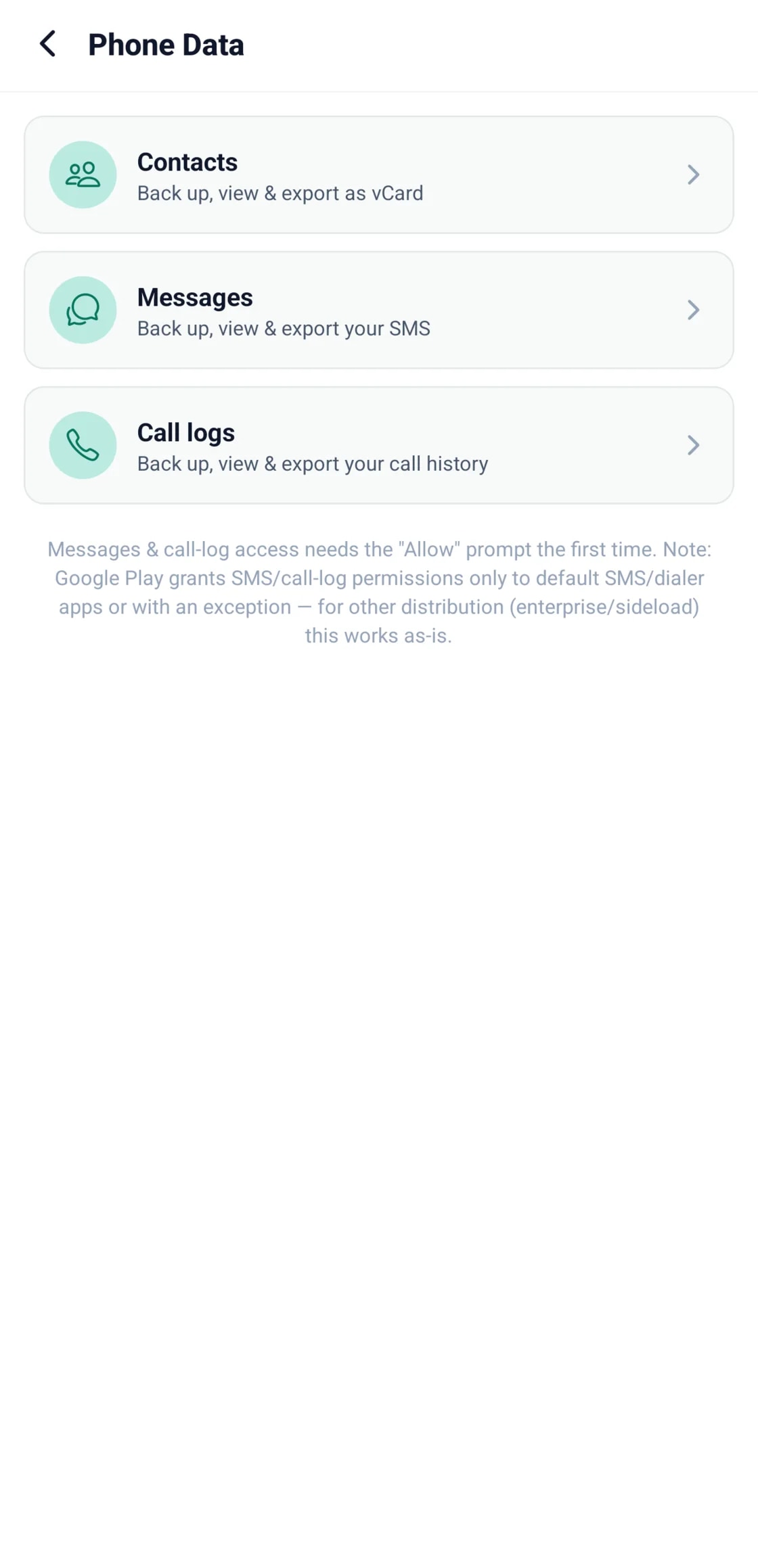
Contacts, messages and call logs — not just the camera roll.
The things that are hardest to replace when a phone is lost are rarely photos. BigMind backs up the address book, whole SMS threads and call history alongside the media, and staff can export contacts as a standard vCard when they move to a new handset.
- Contacts export as vCard, readable by any phone or mail client
- Message threads stay whole rather than flattened into a list
- Call history kept with them, which almost nothing else backs up
It gives space back to the handset.
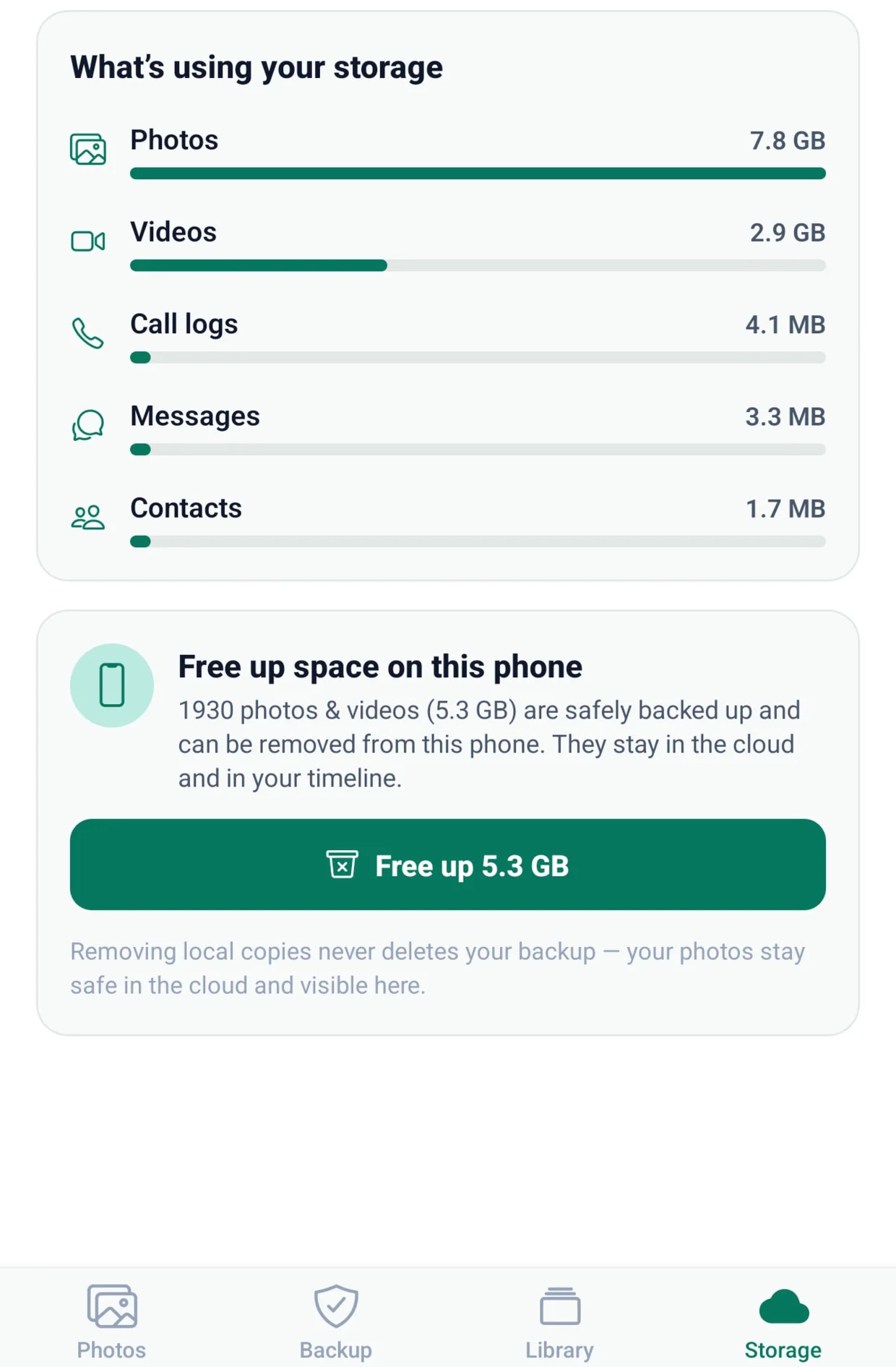
Once a photo or video is confirmed safe in the cloud, the app offers to remove the local copy. The file stays in the timeline and stays restorable — it just stops occupying a device the company had to pay for. On a fleet of phones that adds up.
- Only files already confirmed backed up are ever offered
- Everything stays visible and restorable from the console
- Removing a local copy never touches the backup
Protect every mobile device.
Mobile backup is included on every paid Resilience tier. Install it on the fleet today, or start the trial and roll it out from the console. No credit card required · Cancel anytime · Free migration assistance.
Or start a business trial — 14 days, no card.