Computer backup
A computer on every plan. Including the free one.
Install the BigMind agent on Windows, macOS or Linux and the same account that protects your phone starts protecting your computer. Most personal backup services make you pay before a computer counts as worth keeping. This one does not.
- Windows, macOS and Linux
- One computer included on every tier, Free included
- The same account, the same search, the same restore
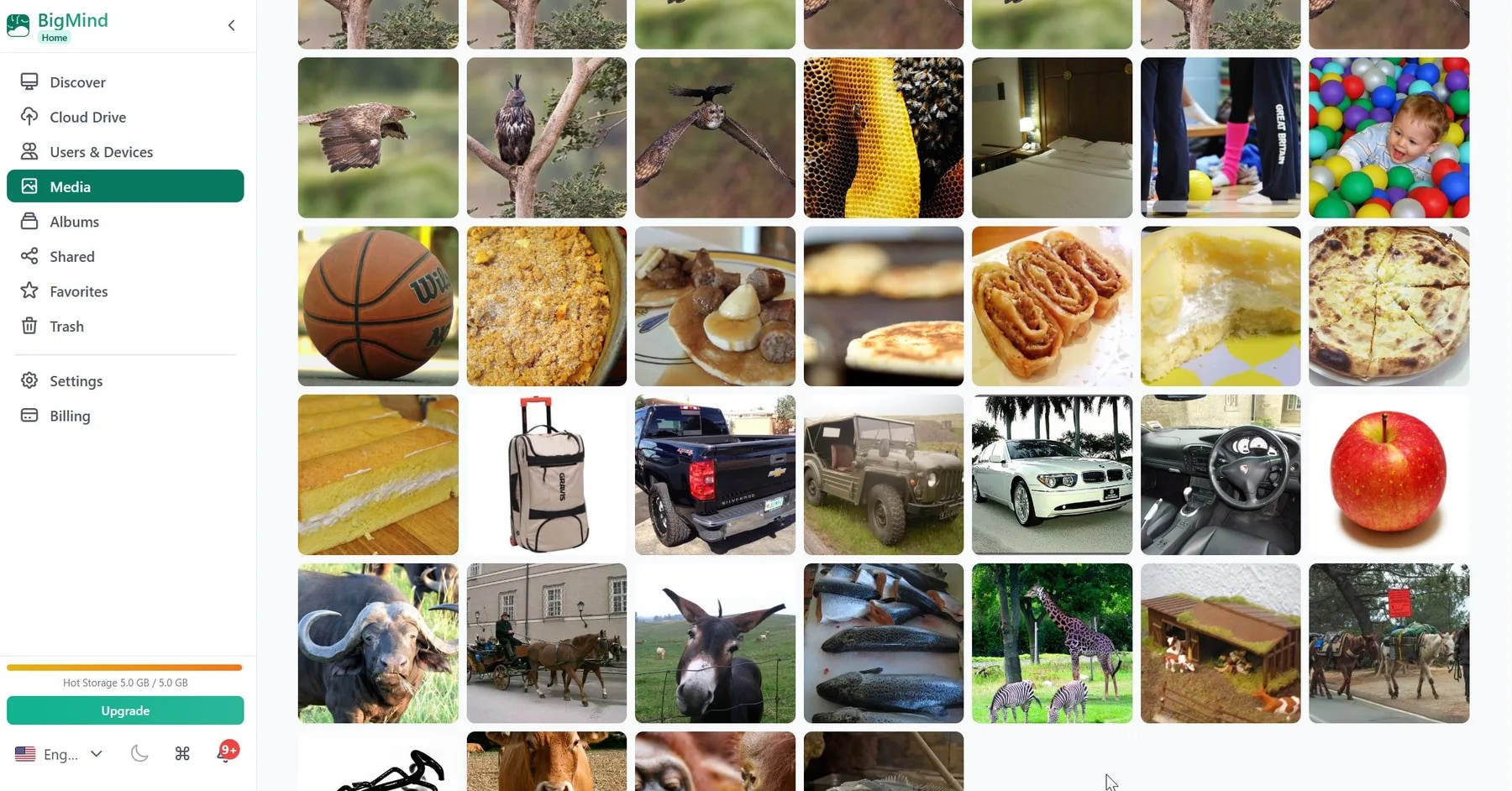
What it protects
Folders, drives, and what changes.
The agent runs quietly in the background. You choose the scope once and then stop thinking about it.
Folders you choose
Documents, Desktop, Pictures, or any folder you point the agent at.
Whole drives
Let it cover everything rather than picking folder by folder.
Changes, as they happen
After the first full run it only sends what actually changed.
One search across both
Your phone and your computer live in the same place, so one search covers them.
Get a file back without getting a whole machine back.
Most of the time what you actually need is one document from three weeks ago, not a full recovery. Browse your computer's files from the web, find the one you want, and download it. Your phone's files are sitting in the same place.
- Browse and download single files from the web
- Phone and computer files searchable together
- Nothing to reinstall to read your own data
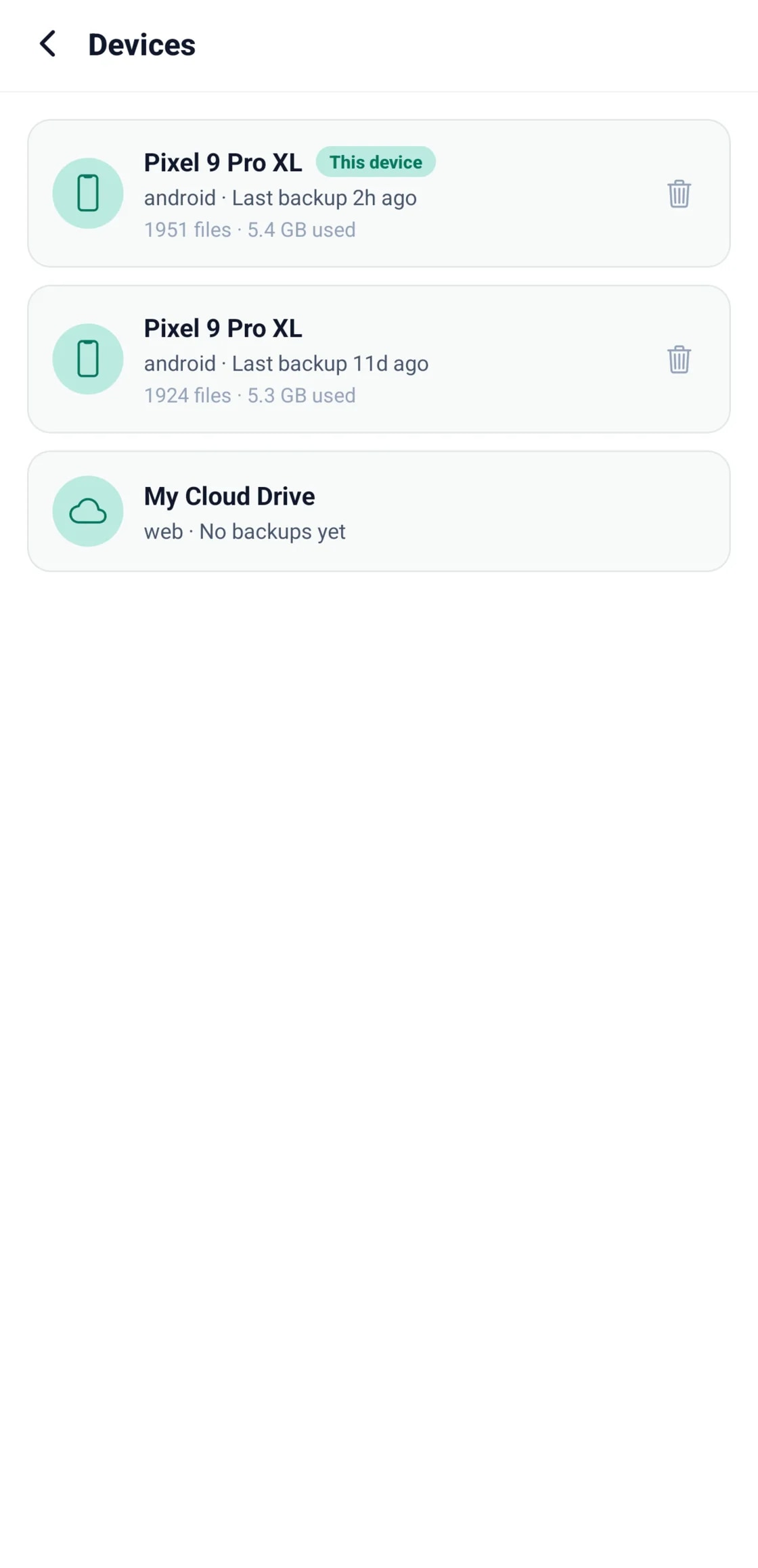
Add your computer in about five minutes.
Download the agent, sign in with the account you already have, and pick what it should keep.