Chat widget
A chat panel that cannot break your page.
The launcher sits in the corner; the conversation happens inside an iframe. Your stylesheet cannot reach into it, and it cannot leak out into you.
- Answers stream in as they are written, rather than appearing all at once
- A panel that clamps to the viewport, so it fits a phone screen
- Twelve languages, with Arabic laid out genuinely right-to-left
The launcher is on your page. The conversation runs inside an iframe.
The answer arrives as it is written.
The reply streams into the panel as it is produced, rather than a spinner followed by a wall of text. Formatting comes from a deliberately narrow subset of Markdown: headings, bold, lists and links.
- On a fresh visit the greeting is followed by up to four questions drawn from your own content. Tapping one starts the conversation; once the visitor has typed, they step aside.
- Bold, lists, headings and links render; nothing that could carry a script does.
- A visitor can attach a file where you allow it, and your team finds it on the conversation.
- When a person on your team replies, it appears here at once, captioned with their name and avatar.
- The same browser returning within twelve hours picks the conversation back up where it left off.
- Business hours can change what it says outside them, so a visitor at 2am is not left expecting a reply.
Twelve languages, resolved before it paints.
The language is settled on the server, so the first thing a visitor sees is already right. Arabic mirrors the whole layout, not only the words — the header, the bubbles, the list markers and the composer.
- English, Arabic, German, Spanish, French, Hindi, Italian, Japanese, Korean, Portuguese, Brazilian Portuguese and Simplified Chinese.
- Or follow the visitor’s own browser language, regional variants included.
- The same twelve as the dashboard.
- Answers come back in the language the visitor asked in.
In their language
The same widget, wherever they are.
Each of these is the running widget with that language requested — greeting, prompts and layout included.
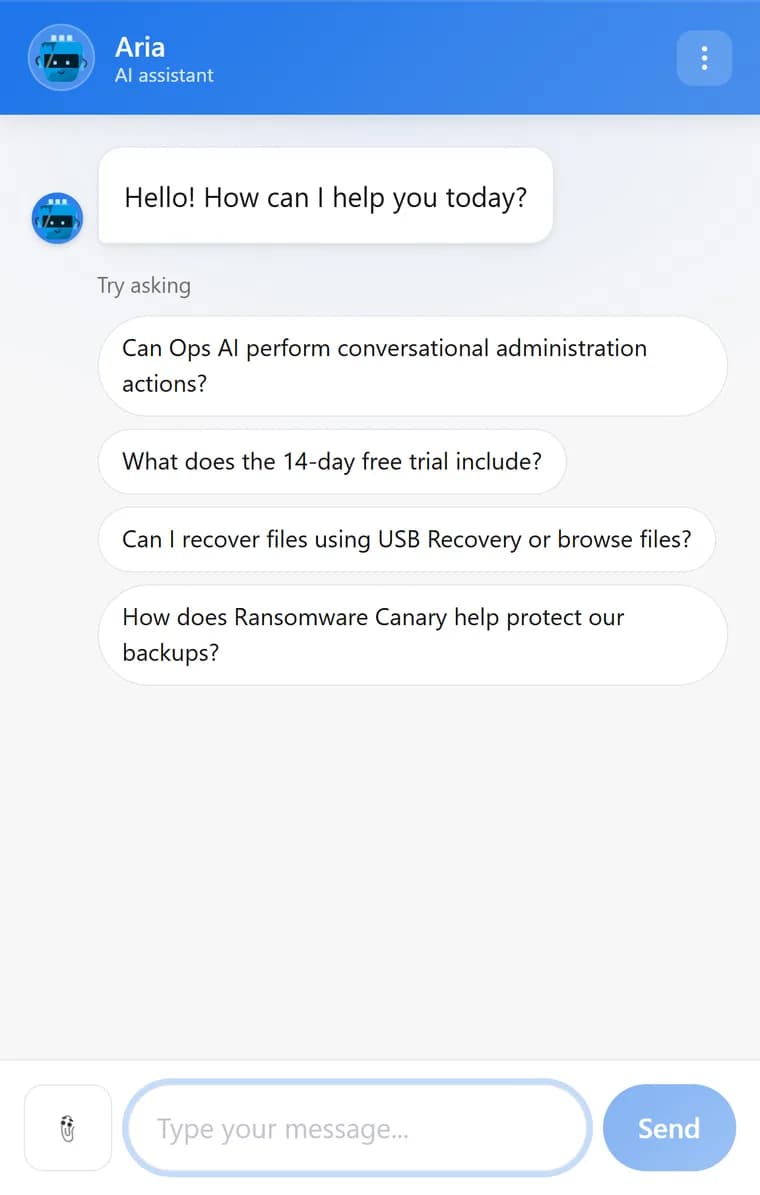
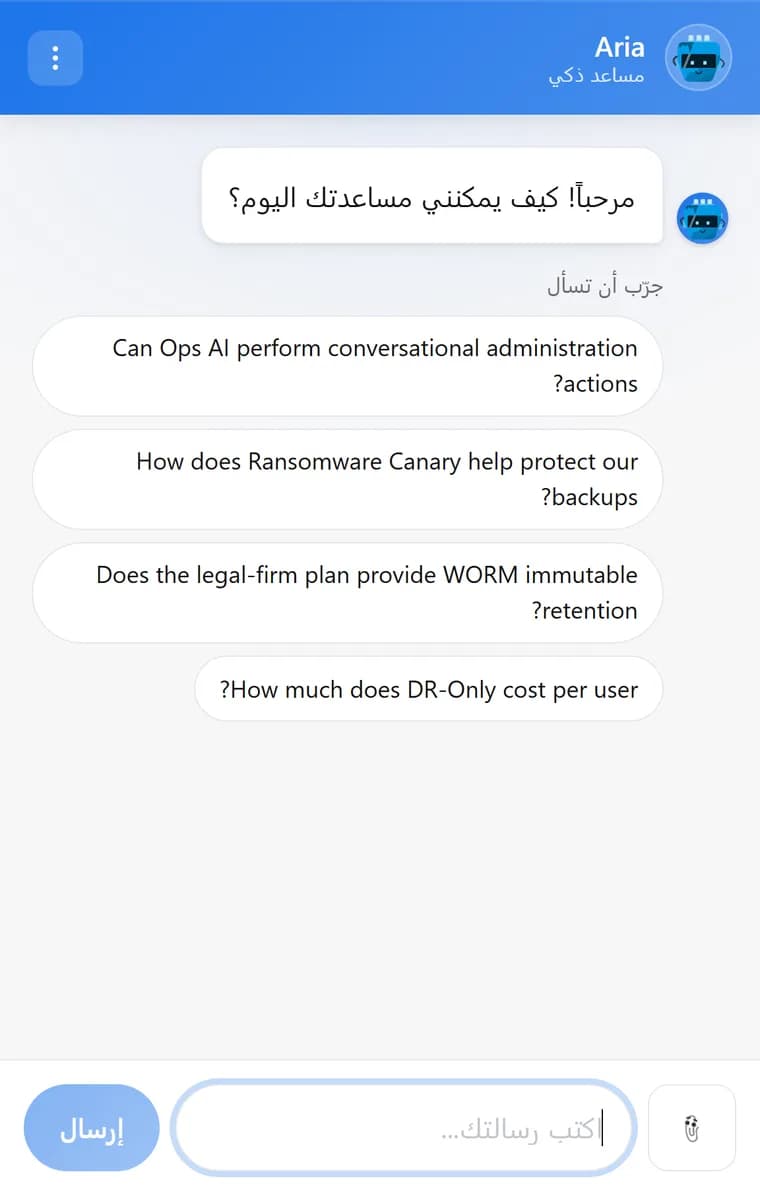
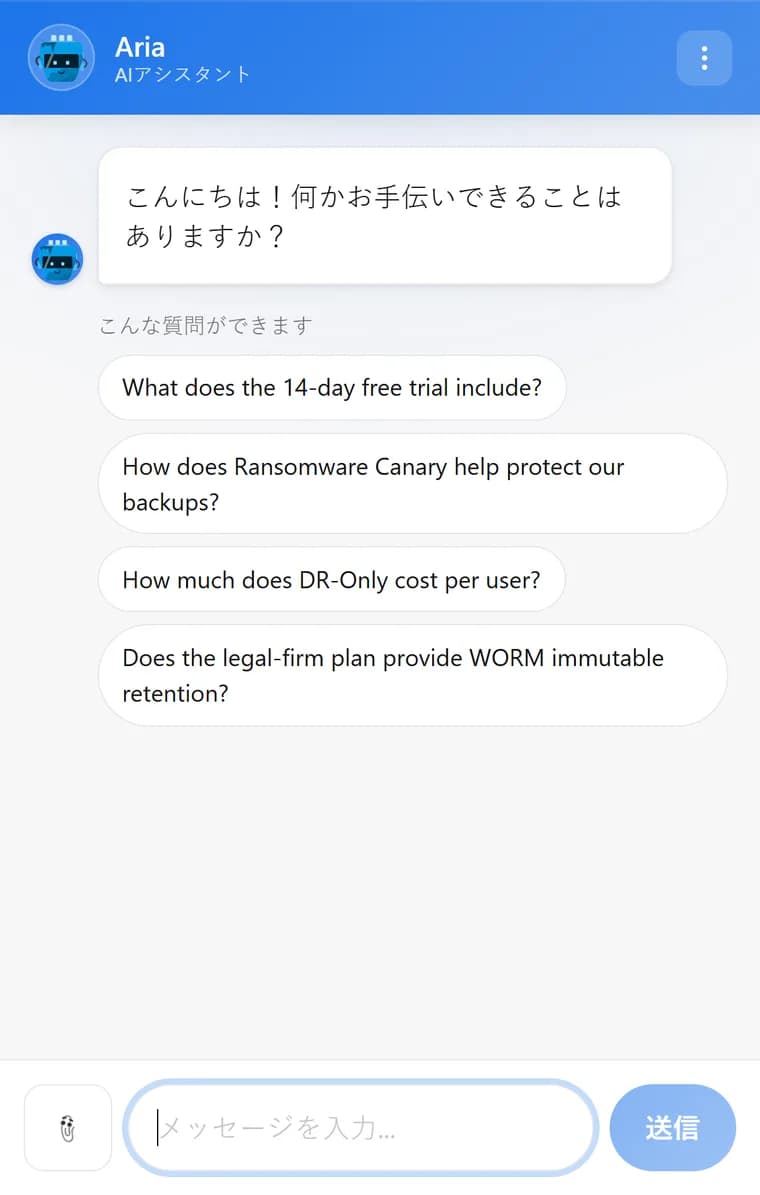
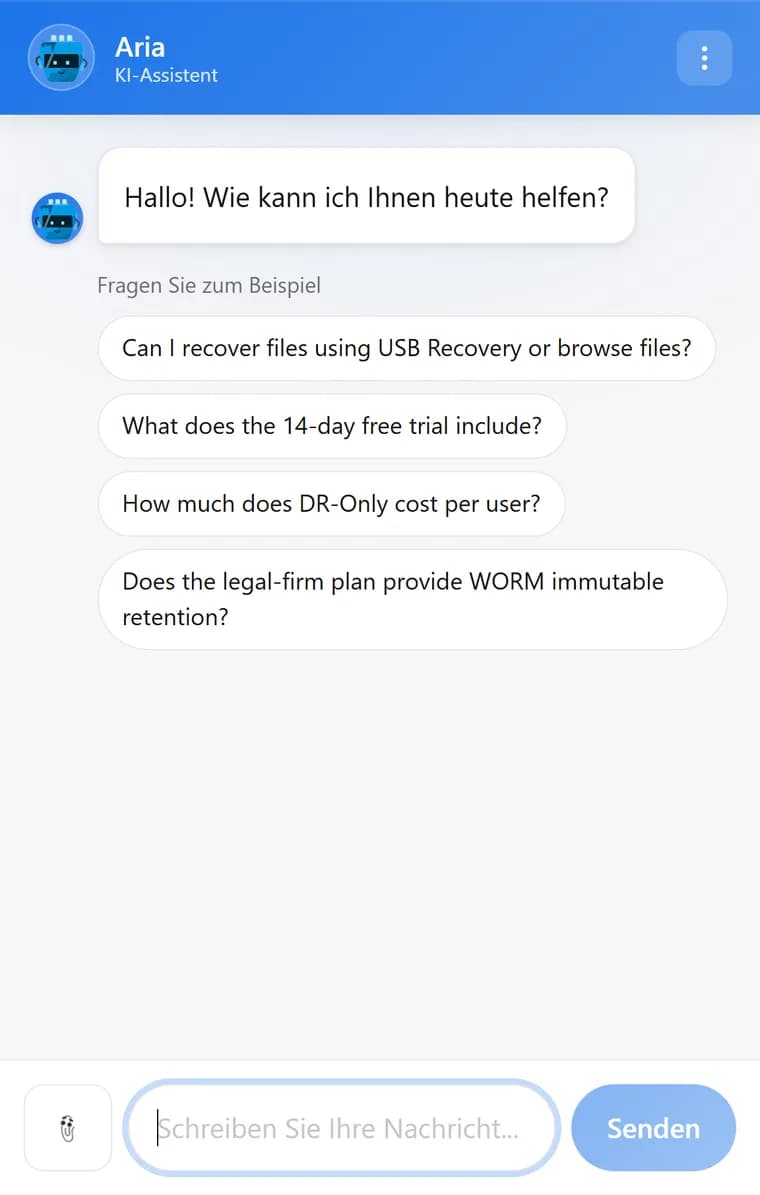
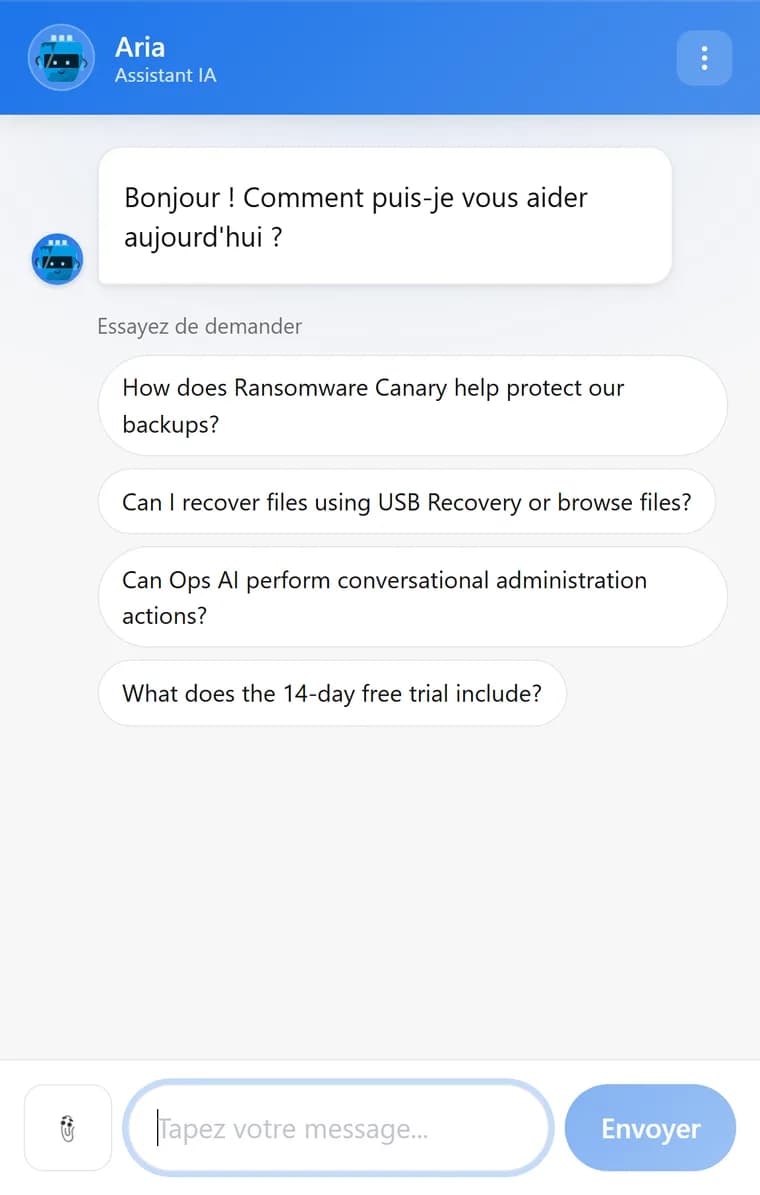
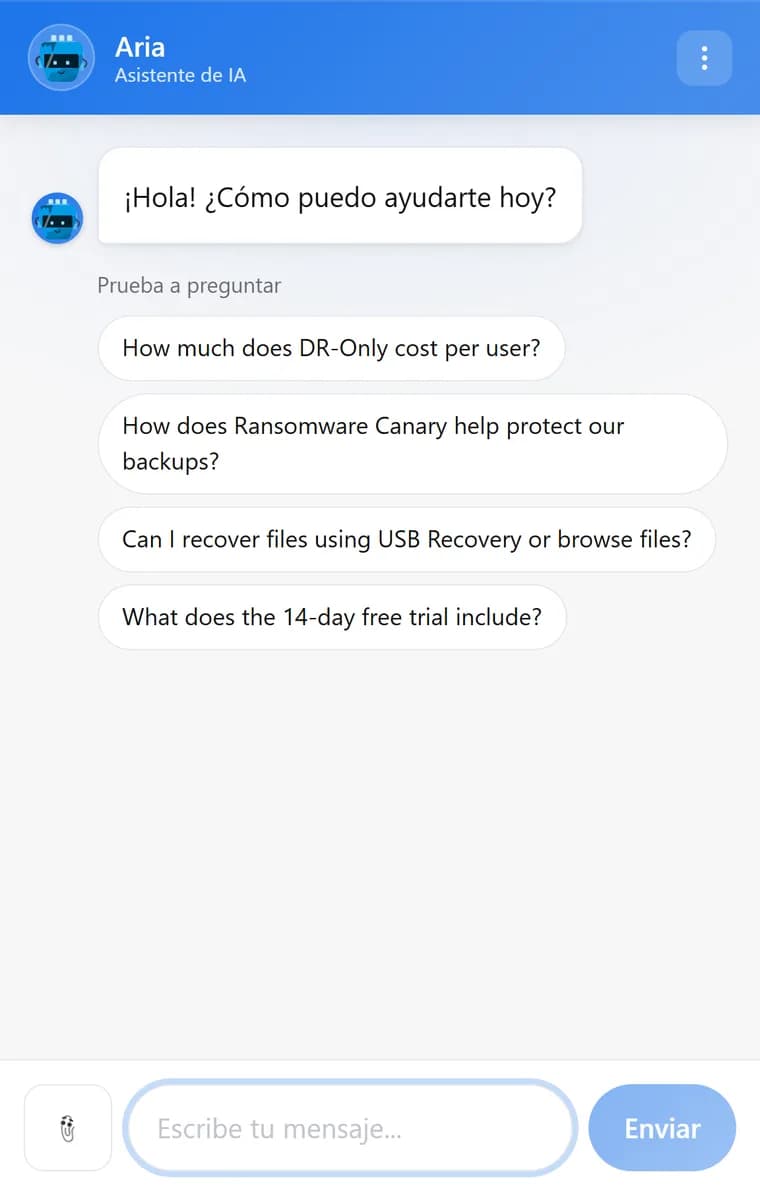
Scroll for more — six of the twelve.
Asking for an email
Ask at the moment you choose — or let your team ask.
Asking too early loses the conversation; asking too late loses the lead. The timing is a setting, and the words are yours.
When to ask
Never, after three messages, after five, or before the visitor starts. Add a name field if you want one, write the words the widget uses, and decide whether the visitor can skip it.
Confirming the address
A visitor who gives an email gets a confirmation email with a one-click link. Capture works without it; a confirmed address is what lets your team continue by email from the inbox.
Or your team asks
From any conversation, a teammate can press Request email and the form appears in the visitor’s chat. It is disabled once the visitor has already given an address.
Worth knowing
What it shows. What it never sends.
A human reply looks like one
A reply from the dashboard appears in the visitor’s chat within seconds, above it the teammate’s avatar, name and your team label. The assistant’s own replies keep their “AI assistant” label, and it stays quiet on that conversation until your team hands it back.
It does not know which page they are on
The chat sends no page URL, no referrer and no location with a conversation. What you know about a visitor is what the visitor chose to type.
Put it on your site and look at it.
The free plan gives you a real widget key and a real scan. Judge the widget on your own pages rather than on a screenshot.